
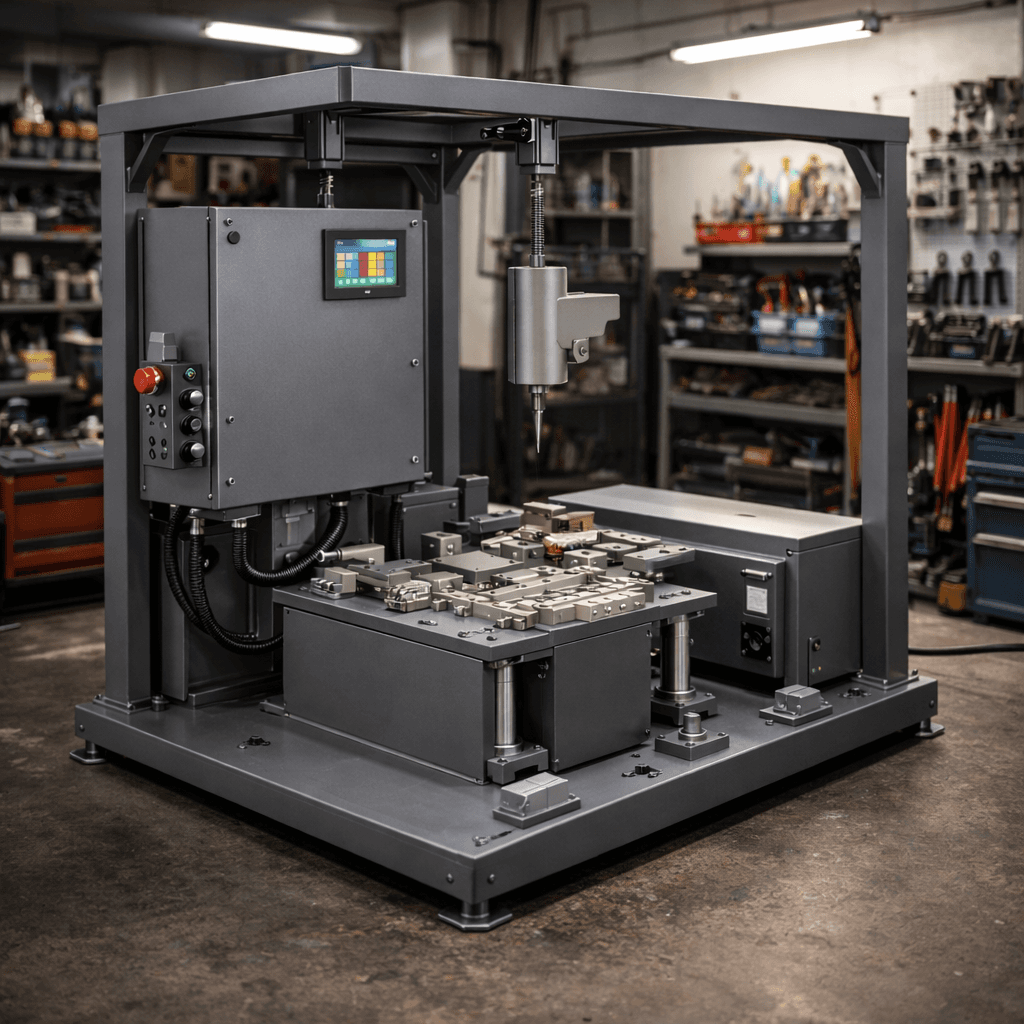
Design Automation for Industrial Machines
We build parametric CAD models with embedded automation rules - using iLogic (Autodesk Inventor) and DriveWorks (SolidWorks) - so your engineering team can generate complete machine variants in minutes instead of days.
Stop Redrawing - Start Generating
Reduce Design Time by 80%
Automate repetitive CAD tasks. What used to take days of manual modeling now runs in minutes.
Eliminate Manual Errors
Rules-based automation ensures every generated model is dimensionally correct. No missed tolerances.
Unlimited Design Variants
Configure once, generate all variants automatically - each with correct drawings and production documentation.
Instant Engineering Changes
Update master model parameters and regenerate. All drawings, BOMs, and cut lists update automatically.
How Design Automation Works
Analyze Your Product Range
We study your product family, identify common parameters and variants, and map the design rules.
Build the Parametric Master Model
A fully parametric 3D model with intelligent constraints and automation logic embedded in CAD.
Configure Automation Rules
iLogic or DriveWorks rules programmed for geometry changes, material selection, and documentation.
Generate & Validate
Input parameters, click generate. Complete assemblies, drawings, BOMs produced automatically.
Automation Tools We Work With
Autodesk Inventor + iLogic
Native parametric automation using Inventor's built-in iLogic rule engine. Intelligent models with embedded design rules that drive geometry, material selection, and documentation generation.
Capabilities
- Parametric model rules and constraints
- Automatic drawing generation
- BOM and parts list automation
- Multi-value parameter configuration
- Custom form interfaces for non-CAD users
SolidWorks + DriveWorks
Advanced design automation using DriveWorks for SolidWorks. Configurable product models that generate order-specific parts, assemblies, and drawings from simple input forms.
Capabilities
- Rules-based SolidWorks automation
- Web-based configurator interfaces
- Automatic 3D model generation
- Drawing and document automation
- ERP and sales system integration
Design Automation Explained
Watch how design automation with iLogic transforms the engineering workflow - from manual modeling to automatic variant generation.
*Video by Symetri UK via YouTube - used for demonstration purposes
Ready to automate your design process?
Schedule a discovery call to discuss how design automation can reduce your engineering lead times and eliminate repetitive design work.
Book Discovery Call