Nozzle manifolds configured, drawn and checked in, in one run
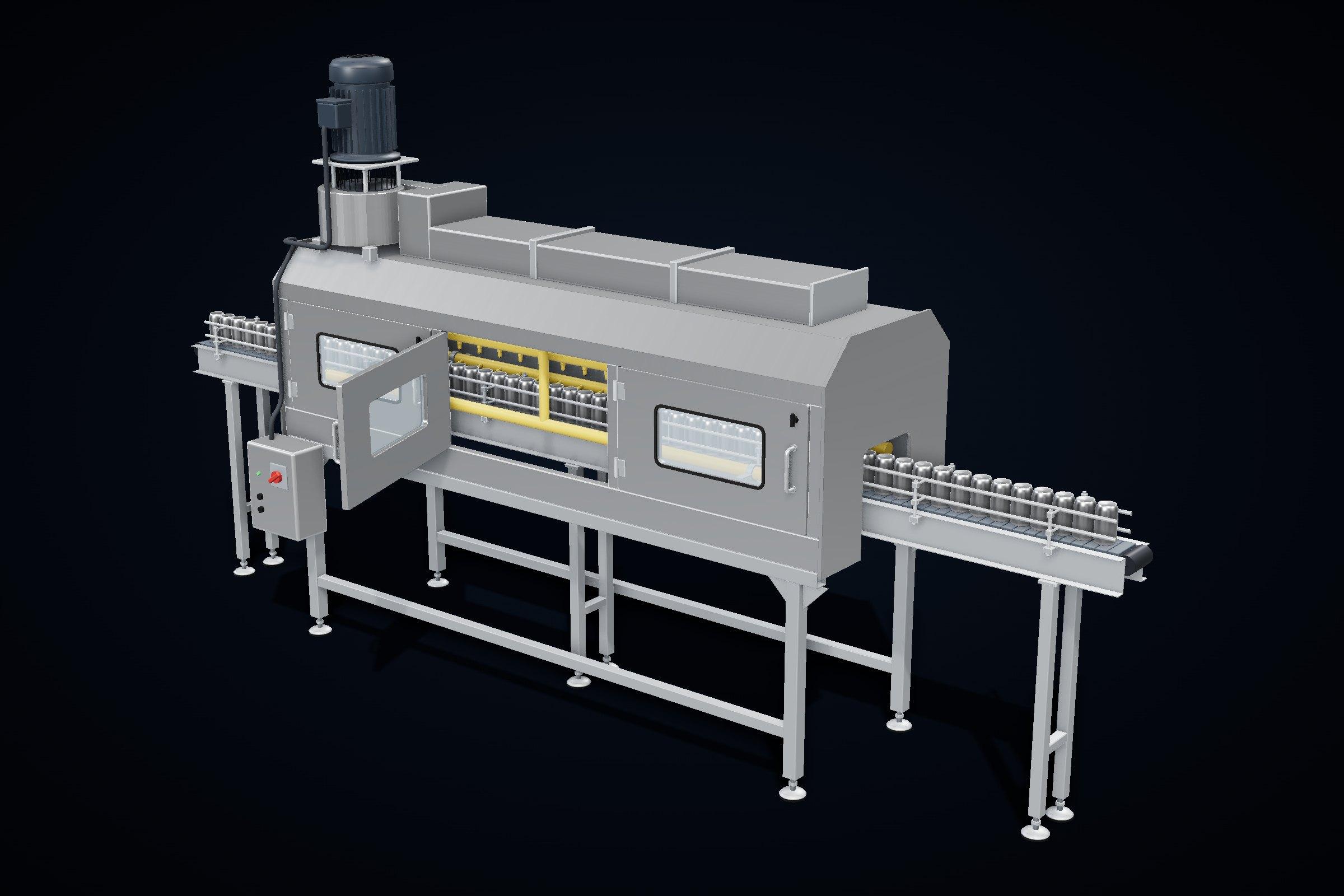
Nozzle manifolds come in endless lengths and hole patterns. Each new one meant finding a similar tube in the vault, copying it, editing the pattern and redrawing. We built a configurator inside the client's own Inventor and Vault that does all of it in one run.
- Industry
- Food and beverage equipment
- Region
- United States
- Service
- Configurators and automation
- from request to a released drawing
- 1 run
- from request to a released drawing
- length, nozzle count, spacing, end positions, bore
- 5 inputs
- length, nozzle count, spacing, end positions, bore
- matching tubes found in the vault before new ones are made
- Reuse first
- matching tubes found in the vault before new ones are made
- numbered, filled in and checked in
- In Vault
- numbered, filled in and checked in
What had to be solved
- Manifolds differ in length, nozzle count, spacing and bore from order to order.
- A new variant meant finding a similar tube, copying it, editing the hole pattern, renumbering and redrawing by hand.
- Without a reliable search, near-identical tubes end up in the vault twice.
What the client has now
- A new manifold goes from request to released drawing in one run, without manual redrawing.
- The vault stays clean: matching tubes are reused instead of duplicated.
- Every manifold drawing looks the same, with the same properties filled in.
How we approached it
- 01
Inputs, not edits
The engineer enters tube length, nozzle count, spacing, first and last nozzle position and bore. Nothing else.
- 02
Reuse before create
The configurator searches the vault for a matching tube and reuses it. Only when none exists does it create and number a new one.
- 03
Model and drawing together
Nozzles are placed, the drawing is relinked and updated, and the PDF is published automatically.
- 04
Checked in, documented
Part properties are filled in and everything is checked into the vault. A working procedure explains it to the whole team.
The work, step by step
Illustrations. Click an image to enlarge it.
What was handed over
- Configurator inside Inventor and Vault
- Vault search and reuse logic
- Automatic drawing update and PDF publishing
- Working procedure for the engineering team
- Hand-over with every open point closed
- Autodesk Inventor
- iLogic
- Autodesk Vault
This project is part of our configurators and automation work.
Show us one product family.
In 20 minutes you will know whether a configurator pays off for it and what it would take.